18 August 2026 · 6 min read
Visualping alternative: when region-level diffs are the better watch
By Kishan Makani · Updated 6 September 2026
WebURLTracker fits when the change is one block, you need copy and picture, and the team reviews together.
People type Visualping alternative when a full-page screenshot is too noisy, the free tier is too small, or they want the changed sentence in the alert, not only a highlighted JPEG. That is a fair search. Visualping is good at showing a picture of a page. The question is whether the picture is the whole job.
Visualping earned its brand by making screenshot diffs easy to understand. Non-technical stakeholders can open an email, see red highlights, and get the gist. That matters for simple pages: a status board, a landing page with one hero, a document that rarely changes layout. The product does what it says on the tin.
The pain shows up on noisy pages. E-commerce product detail pages, SaaS pricing grids, news sites with ad slots, anything with a cookie consent layer. Full-viewport watches treat every pixel shift as an event. Your team learns to ignore alerts. That is when people start searching for a Visualping alternative.
The short answer
WebURLTracker is a Visualping alternative for teams whose alerts are too noisy or who need pages behind a login. You click the one block that matters in a live preview, and each alert carries both the screenshot and the changed text. Signed-in pages run in your own Chrome, and monitors live in a shared workspace with folders and an audit log. The free plan has 5 monitors, so you can test it on the page that annoys you most before moving anything else.
What both tools do
Both capture pages on a schedule, compare against a baseline, and send an alert. Both can do visual and text comparison. Both can aim at part of a page. Cloud intervals can go down to two minutes on high tiers. At a high level, the job description is identical: watch a URL, tell me when it moves.
The difference is in defaults, limits, and how much of the workflow lives in a shared workspace versus a personal inbox of screenshots. If you only need the basics of website change monitoring, either product can work. The fork is what happens after month two when monitor count and team size grow.
Where the fit diverges
- Region picking: WebURLTracker is built around a live preview where you click the block. That is the default path, not an advanced selector screen.
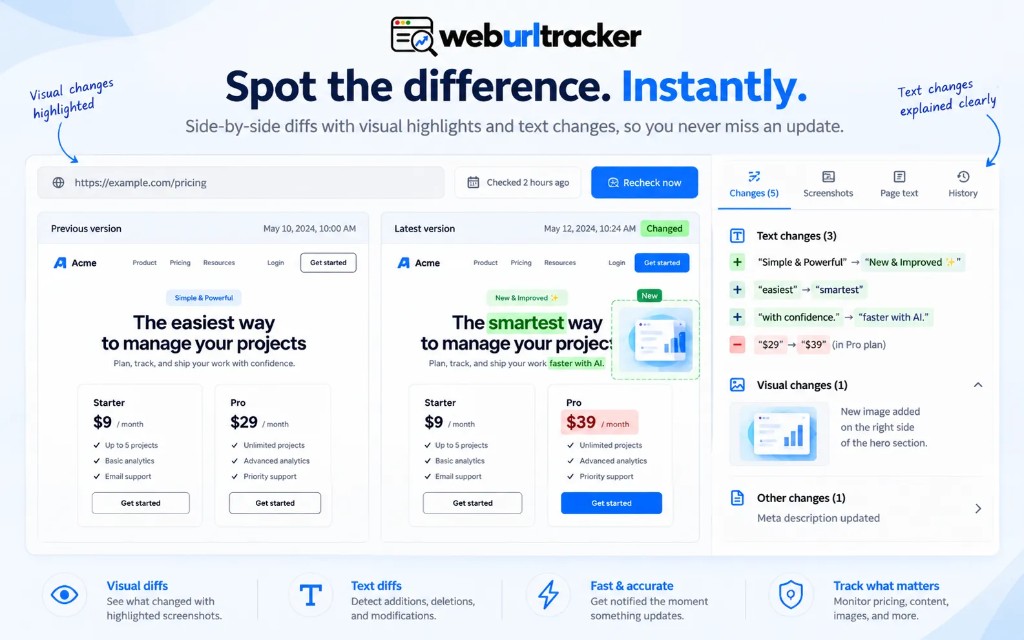
- Evidence: visual and text diffs share one monitor, so a legal edit and a banner swap do not look the same. See visual vs text detection for why that pairing matters.
- Signed-in pages: Local checks run in your Chrome. Cloud workers do not store those cookies.
- Team review: folders, tags, assignees, and an audit log live in the workspace rather than a personal inbox of screenshots.
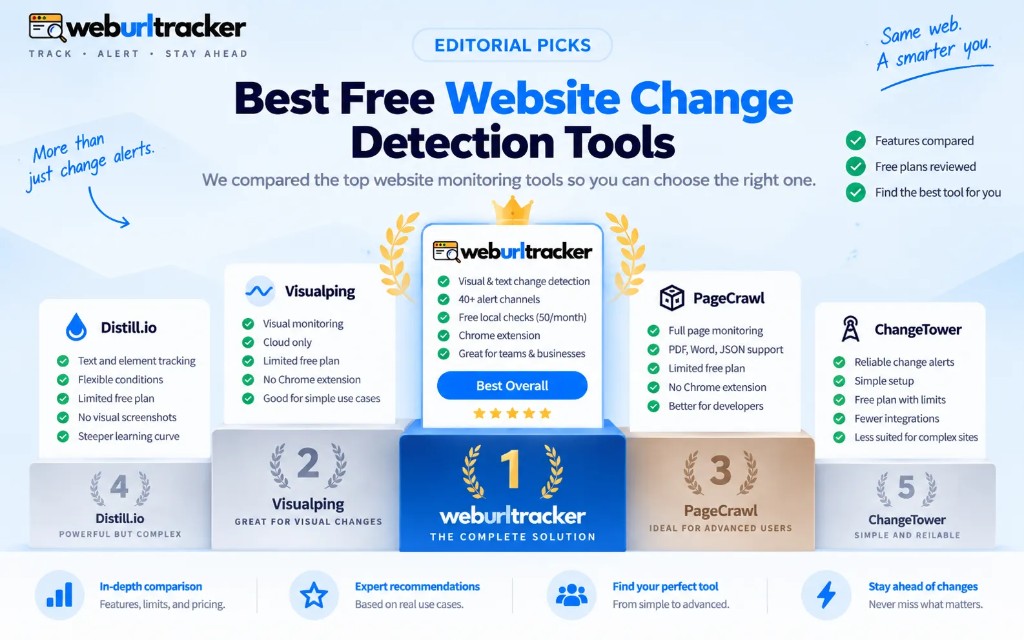
- Free tier: 5 monitors, 220 cloud checks, and 50 Local checks, versus Visualping's 5 pages and 150 cloud-only checks.
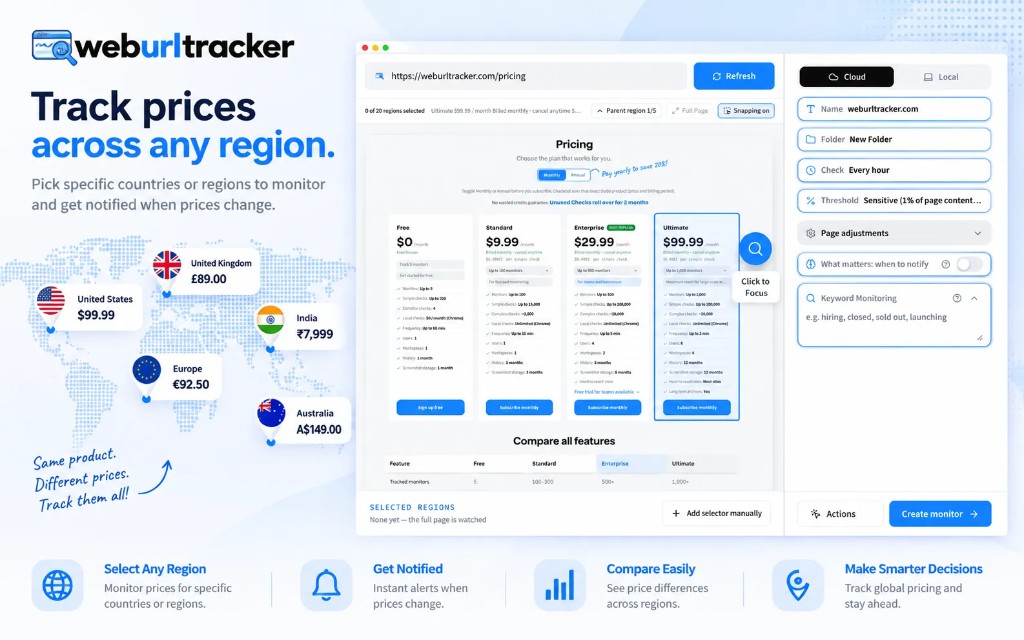
Region picking sounds like a small UX detail until you set up twenty monitors. Click-to-select on a live render means you see exactly what the worker will capture. CSS selectors still work when you need them, but they are not the first screen a new user sees. On pricing pages, that usually means clicking the plan column you sell against, not drawing a box around the entire marketing site.
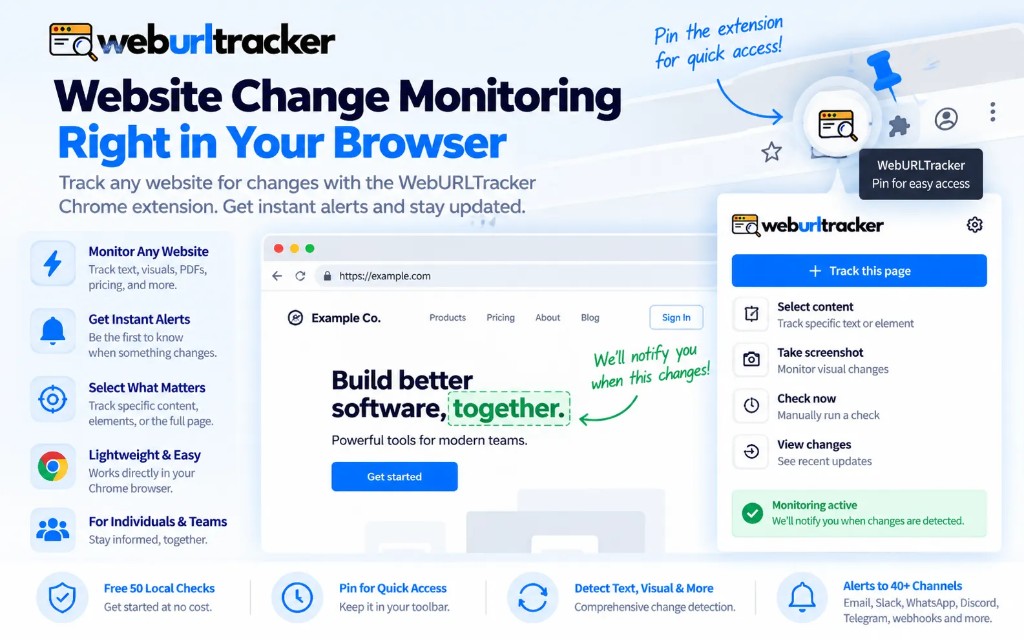
Local Chrome is the other split. Visualping is cloud-first. If your competitor's real pricing only renders after login, or your staging environment is behind auth, cloud workers cannot help without unsafe cookie hacks. WebURLTracker's Chrome extension website change monitoring path runs the check in your signed-in browser and still stores the result in the workspace.
Pricing and limits in plain terms
Paid entry is also different. WebURLTracker starts at $9.99/mo with 100 monitors and 15K checks. Visualping's comparable paid landing is 10 pages and 1K checks at $14/mo. If you are buying screenshots for a handful of URLs, Visualping may still be the familiar choice. If you are buying a workspace that has to survive a noisy PDP, the cheaper, larger allowance is the better solution.
Free tier math matters when you are prototyping. Five monitors sounds generous until you realize you need separate watches for pricing, features, and terms on two rivals. WebURLTracker gives you 220 cloud checks and 50 Local checks on free, which is enough to prove the setup before you commit budget. Visualping's free tier is 5 pages and 150 cloud-only checks. Neither is unlimited. Know your cadence before you pick.
Ultimate tier on WebURLTracker includes two-minute cloud intervals. Use that sparingly. Most pricing and policy pages do not need a loop that fast. Save it for launch week or an active price war. For a calmer cadence guide on rival pages, see monitor competitor pricing pages.
Noise: the reason most switches happen
The most common Visualping alternative story is not price. It is alert fatigue. Cookie banners animate in. Carousels auto-advance. A/B tests swap hero copy. Third-party widgets load late and shift layout. Each event is technically a change. None of them are the change you care about.
Fixing that requires a smaller region, a visual threshold, and often a text diff so you can tell a restyle from a rewrite. Visualping can do partial-page watches. WebURLTracker centers that workflow: pick the block, set sensitivity, get both evidence types in one event. The goal is fewer alerts that actually mean something.
When to stay on Visualping
Stay if your team already has a Visualping workflow, the pages are visually stable, and you do not need Local Chrome or folders. Switching tools has a cost. Historical screenshots, alert routing, and stakeholder habit all matter. Do not switch for a blog post.
Also stay if your use case is genuinely simple: a handful of static pages, one owner, email-only alerts, and nobody needs to assign or audit events. Visualping is fine there. You are not under-served. You are appropriately served.
When to try WebURLTracker
Try it if cookie banners and carousels keep firing alerts, if counsel wants the old clause in writing, or if signed-in pricing only exists in a browser session. Try it if merchandising, sales, and ops all need the same folder of rival monitors instead of forwarding screenshots by hand.
Paste a URL on the homepage. If the picker makes the job obvious, create the monitor. Run it for a week beside Visualping on the same URL if you want a side-by-side test. Compare false positive rate, not just feature checklists.
Side-by-side on a noisy product page
Take one product detail page that has burned you before. Run Visualping full viewport and WebURLTracker on the price-and-availability block only. Wait for a carousel rotation or cookie banner. The full-page watch will alert. The region watch may not. That single experiment convinces stakeholders faster than a feature spreadsheet.
Repeat with a policy or terms URL where copy matters. Compare whether the alert includes quotable before and after text without opening the live page. If your workflow forwards screenshots to legal, text diffs reduce rework.
Team workflow after the switch
Plan a short migration window. Export or screenshot your Visualping baselines for the URLs that matter. Recreate monitors in WebURLTracker with tighter regions rather than copying full-page crops one for one. Run both tools in parallel for five to seven days on the noisiest URL. Count alerts and false positives, not features.
Assign one owner for folder structure and naming before you invite the team. Nothing kills adoption faster than duplicate monitors on the same pricing cell with different thresholds. Document which URLs use Local Chrome so coverage does not depend on one laptop.
Train reviewers to open the event artifact first. The before screenshot, after screenshot, and text diff are the record. Live pages change again. Events do not.
If you are also evaluating local-first tools, read Distill.io alternative for the desktop watcher angle. Visualping and Distill sit on different defaults. WebURLTracker tries to cover cloud workspace plus Local Chrome in one product. The full matrix is on the Visualping comparison page.
One more practical note: name monitors after the thing you care about, not the hostname alone. "Acme Pro plan cell" beats "acme.com pricing". When Slack fires at 2am, the name is what people read first. Pair that with a folder per rival so mute decisions stay local to that competitor instead of silencing every watch in the workspace.
If you want alert routing detail after you pick the tool, use the webpage change alert checklist. Region, threshold, throttle, then channel. That order matters more than which logo sits in the store listing.
Related blogs
- Website change monitoring: what it is and when you need it
- Best free website change detection tools in 2026
- Chrome extension website change monitoring for signed-in pages