22 August 2026 · 6 min read
Distill.io alternative: cloud workspaces instead of a desktop watcher
By Kishan Makani · Updated 6 September 2026
WebURLTracker fits when the watch has to live in a shared workspace, not on one desktop machine.
Distill.io built its name on local monitoring: a browser extension and desktop app that can check pages while your machine is on, sometimes down to seconds. That is a real advantage if you are one person watching a handful of URLs at your desk. The tab is open. The watcher is local. Latency is low.
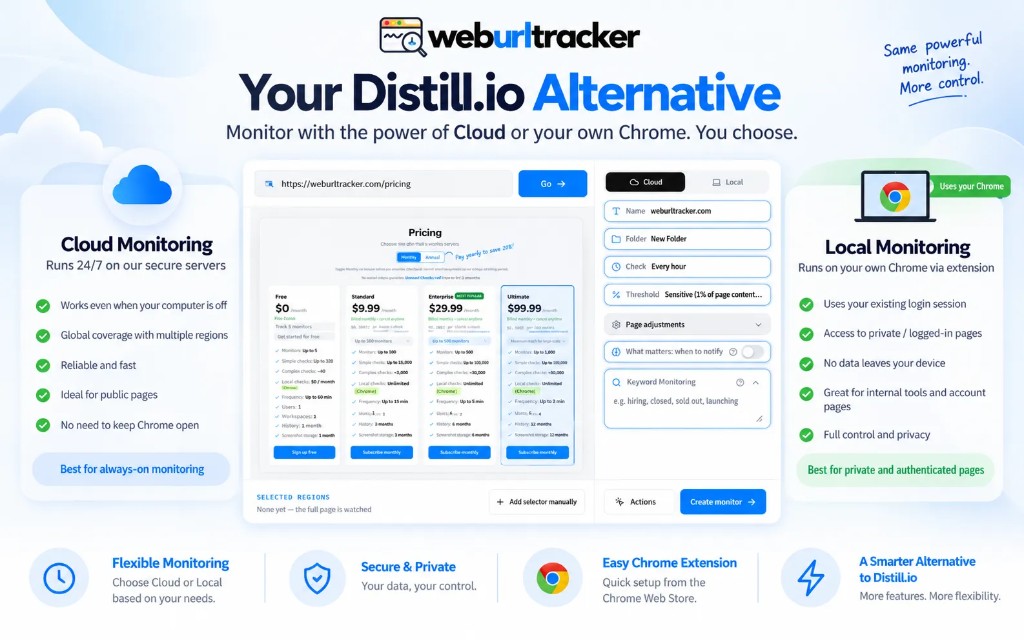
It becomes a constraint when the watch belongs to a team, the machine sleeps, or you want cloud and Local in one product with folders and an audit log. That is the Distill.io alternative search: keep a Chrome path for signed-in pages, move the system of record to a workspace.
Distill is not a bad product. It is a product optimized for a single operator on a single machine. Many teams start there because the extension feels immediate. The break point is usually organizational, not technical: someone asks 'where is the log of what changed last Tuesday?' and the answer is scattered across one person's laptop.
Honest overlap
- Both do visual and text / HTML comparison
- Both can use CSS and XPath-style targeting
- Both have a Chrome extension
- Both send email and can reach chat tools on paid plans
If you only read feature bullets, the products look similar. Both watch URLs. Both diff content. Both can ping you in email. The divergence is architecture: where checks run, how monitors are shared, and what happens when the person who built all the watches goes on vacation.
Local-first vs workspace-first
Distill's local loop can run very fast when your computer is awake. Five-second intervals are possible in local mode. That is unbeatable for a trader watching one ticket page or a release manager watching a deploy status URL. Cloud schedulers, even at two-minute intervals, cannot match a watcher that lives in an open tab on your desk.
Cloud-first monitoring inverts the tradeoff. Checks run whether your laptop is open or not. Monitors live in a workspace with permissions, folders, and history anyone on the team can open. Local Chrome becomes a specialized path for auth-bound pages, not the only way anything works.
WebURLTracker is workspace-first with Local as a first-class path. Distill is local-first with cloud as an add-on. Neither model is wrong. Pick based on whether the watch is personal or organizational. For the general definition of the job, see website change monitoring.
Where WebURLTracker is the better solution
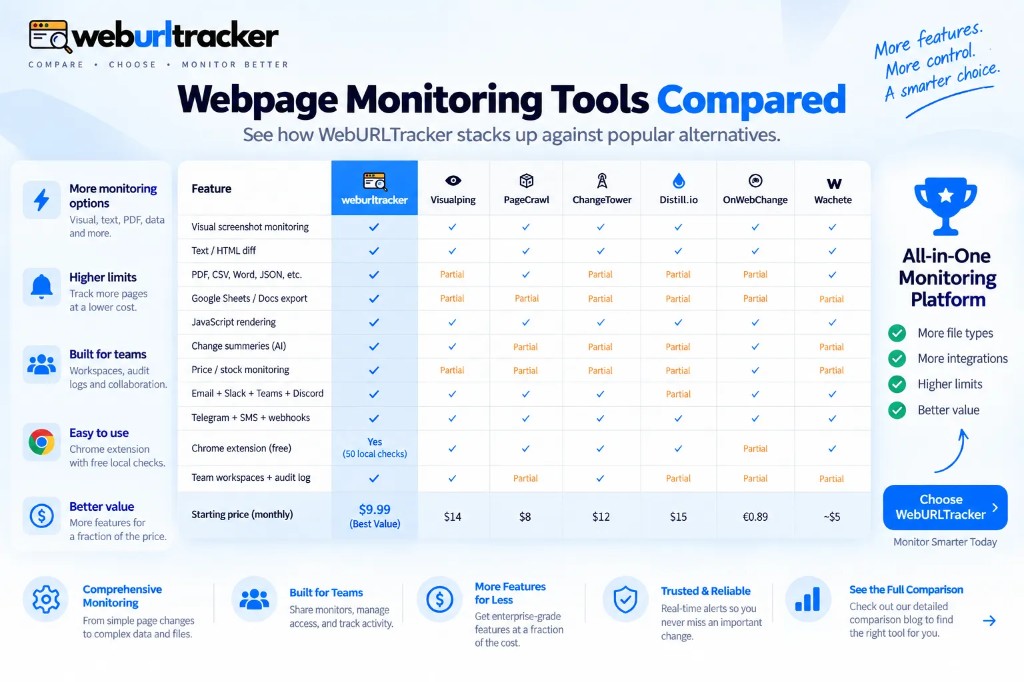
Cloud monitors run even when your laptop is closed. Local Chrome checks are for pages that need your session, not the only way the product works. Paid entry is lower than Distill Starter. Monthly caps are stated as cloud checks plus Local checks, without a Flexi-style usage surprise. Two-minute cloud intervals exist on Ultimate.
Workspace features matter when Distill monitors multiply. Folders group rivals, policies, or product lines. Assignees route events to the person who can act. An audit log answers compliance questions about who acknowledged a policy change. Email forwards and desktop notifications do not scale to ten stakeholders.
Visual and text diffs on one monitor reduce ambiguity. Distill can watch HTML and attributes deeply, which power users love. WebURLTracker pairs screenshot evidence with extracted copy so a restyle and a rewrite do not look identical in the timeline. That pairing is covered in visual vs text website change detection.
Chrome extension: same listing, different center of gravity
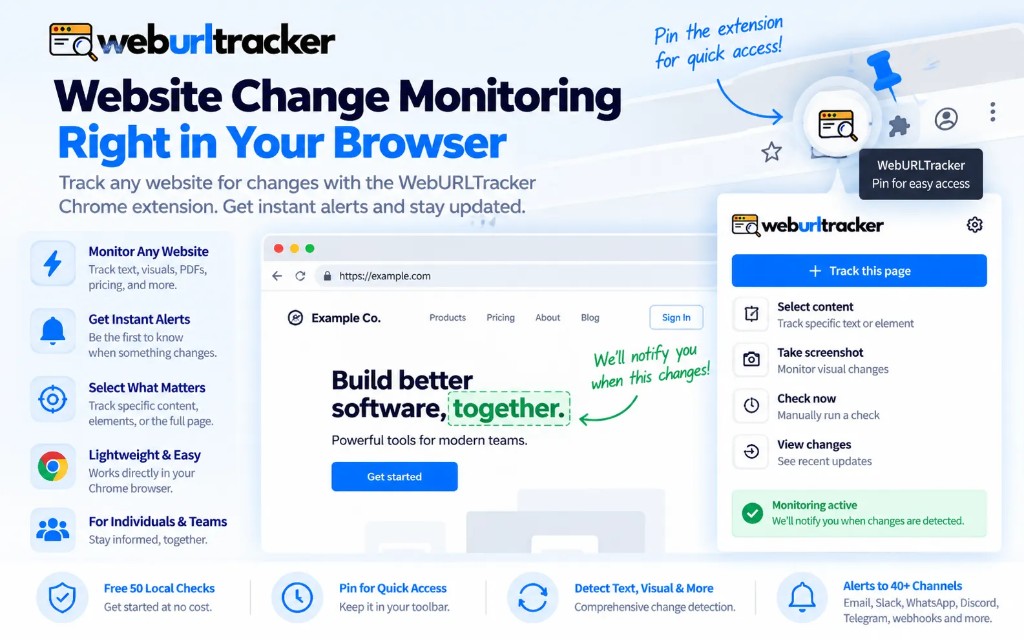
Both products ship a Chrome extension. In Distill, the extension often is the product for daily use. In WebURLTracker, the extension is the Local check path inside a cloud workspace. You create monitors in the dashboard, run Local checks where auth requires it, and everything lands in the same event history.
That matters for onboarding. New teammates do not need to inherit one person's extension profile. They log into the workspace, see the monitors, and optionally install the extension if their pages need Local. Read Chrome extension website change monitoring for the full Local workflow.
Pricing and when to stay on Distill
WebURLTracker free tier: 5 monitors, about 220 cloud checks, 50 Local checks. Paid from $9.99/mo with 100 monitors and 15K checks. Distill's paid tiers and Flexi usage can add up when monitor count grows. Compare your actual cadence and count before assuming local is always cheaper.
If Distill's local 5-second loop is the feature you actually use, stay. No cloud workspace will beat a watcher that is already in the tab at that cadence. If you outgrew one desktop, the better solution is a workspace that still has a Local path, which is what WebURLTracker is built as.
Also stay if you are a solo operator, your machine is on all day, and you do not need shared review. Distill earned its user base for that profile. Switching to a workspace product adds overhead you may not need.
When to evaluate WebURLTracker
Evaluate WebURLTracker when monitors need to survive staff turnover, when cloud checks must run overnight without a laptop open, or when sales and legal both need the same folder of policy watches. Evaluate it when you want Visualping-class screenshot clarity without giving up Distill-class Local Chrome.
If screenshot noise is your Distill pain point too, not just sharing, read Visualping alternative. Region picking and thresholds solve noise regardless of which incumbent you use. The goal is fewer monitors that everyone trusts, not more monitors everyone mutes.
Security and auth boundaries
Do not paste session cookies into cloud workers for competitor portals. It is fragile, it violates most vendor terms, and it breaks when MFA rotates. Local Chrome exists so auth stays on the machine that already passed login. Cloud workers stay on public URLs.
Workspace permissions matter when monitors touch pricing under NDA or partner agreements. Restrict folders to the people who need them. The audit log then reflects actual review, not a shared inbox anyone can ignore.
Migration checklist from Distill
List monitors that must run overnight versus monitors that only matter when someone is at the desk. Move overnight watches to cloud first. Keep Local on auth-bound URLs. Match folder names to how your team already talks about rivals or policies so nothing gets relabeled twice.
Distill power users with long XPath chains can recreate selectors in WebURLTracker when click-to-select is not enough. Most pricing and policy pages do not need that depth. Start with the rectangle. Escalate to selectors only when the rectangle captures too much chrome.
Compare monthly check math before you commit. Count URLs, multiply by checks per day, add Local runs separately. A workspace with stated cloud plus Local caps is easier to budget than usage that spikes when someone duplicates a fast local watch twenty times. Write the math down once so finance and ops agree.
Pricing and the feature matrix are on the Distill comparison page. The Chrome extension is the same listing used for Local checks inside the product. Start with one signed-in URL on Local and one public URL on cloud. After a week you will know which center of gravity fits.
Keep Distill open on one critical Local watch while you migrate if that reduces risk. Parallel run for a few days is cheaper than a hard cutover that leaves a login wall unwatched. When cloud events look trustworthy and Local covers the gated URL, retire the desktop-only copy.
For signed-in setup detail, read Chrome extension website change monitoring. For alert hygiene after monitors exist, use webpage change alert. Tool choice is only half the job. Wiring the watch so the team trusts it is the other half.
Related blogs
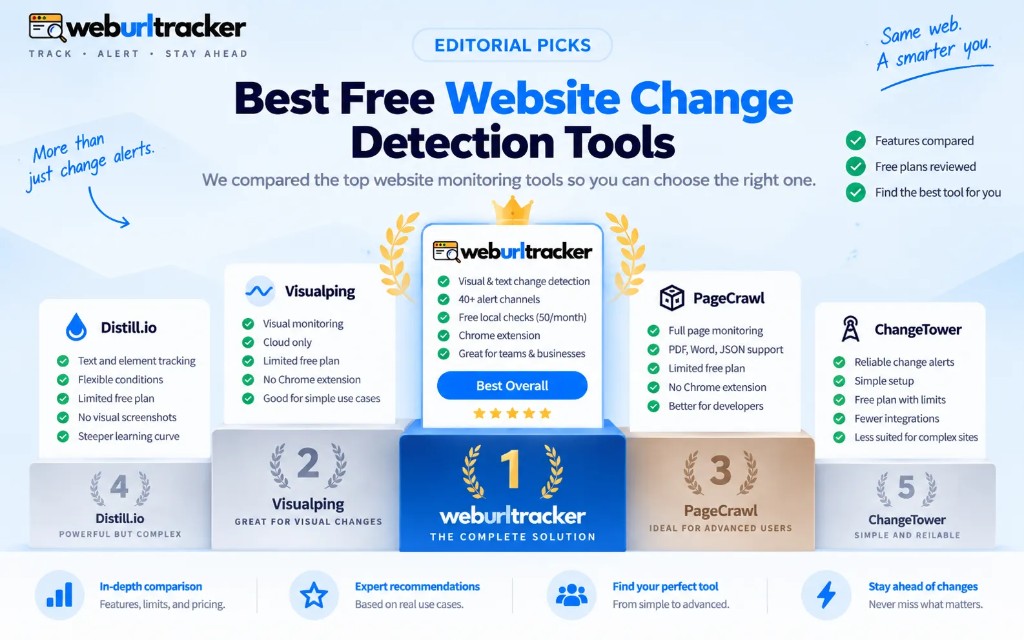
- Best free website change detection tools in 2026
- Chrome extension website change monitoring for signed-in pages
- PageCrawl, ChangeTower, and Wachete compared with WebURLTracker