
AI Summary
Amazon prices can change because of demand, inventory, competition, seasonality, and marketplace sellers. A tracker records changes and alerts you when a product reaches a target. WebURLTracker can monitor price, availability, seller information, and other page changes.
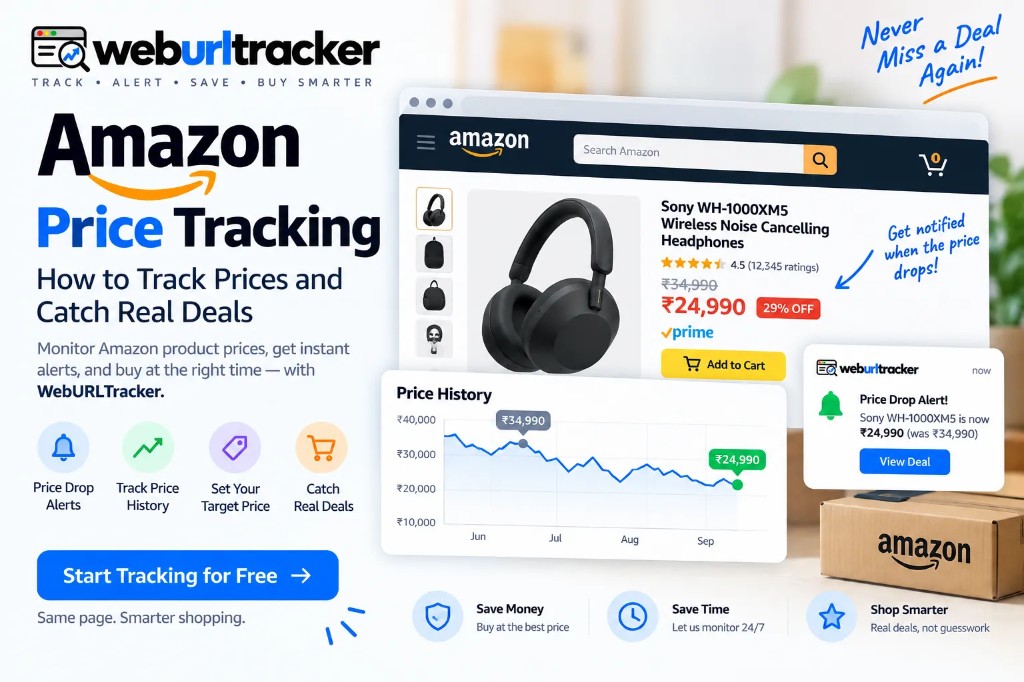
Why Track Amazon Prices?
This guide sits under retail price monitoring. Use the preview above to paste an Amazon product URL, then pick the price block.
Amazon uses dynamic pricing, and some products can change price dozens of times per day.
That makes discount labels incomplete and short-lived price drops easy to miss. A tracker lets you define what matters and watch it automatically.
What Should You Track on Amazon?
Price is the obvious starting point, but it is not the only useful signal.
- Amazon page element: Why monitor it
- Product price: Catch drops below your target
- Stock status: Know when a product returns
- Seller information: Detect seller changes
- Shipping time: Notice changes that affect the offer
- Buy Box: Track which seller receives the default offer
- Product variant: Watch a specific size, color, or configuration
- Promotional text: Detect new deals or coupons
How Amazon Price Tracking Works
Add the product URL, select the important page area, define a target price, choose a check frequency, and receive an alert when the condition is met.
Because WebURLTracker monitors webpages, the workflow can extend to other retailers.
How to Track Amazon Prices with WebURLTracker
1. Add the Amazon Product URL
Start with products you genuinely intend to buy.
2. Select the Important Area
Monitor the price section instead of the entire page when possible. Amazon pages contain many elements that can change without affecting price.
3. Set a Target Price
For example:
Example: "Alert me when this laptop falls below $800."
This turns monitoring into an actionable signal instead of a stream of notifications.
4. Choose the Monitoring Frequency
Your check frequency should match your buying urgency.
- Use case: Practical approach
- Major shopping event: Frequent checks
- Product needed soon: Hourly or more often
- Normal wishlist item: Daily monitoring
- Competitor pricing: Regular business monitoring
- Limited-stock product: Price + availability monitoring
A practical approach is more frequent checks during major sales and less frequent checks for wishlist products.
5. Review the Change
When an alert arrives, check the product page. Seller, shipping, variant, and availability can affect the real offer.
How to Check Amazon Price History
Amazon product pages do not provide a traditional price-history chart. Tools such as a price-history chart and a price-history chart are commonly used for historical pricing.
A useful price-history review asks what the product normally costs, whether today's price is unusually low, and whether it follows seasonal patterns.
WebURLTracker keeps timestamped change records and page evidence.
How to Spot a Fake or Weak Amazon Discount
A large “You Save” number is not enough.
Look at the actual selling history.
For example:
- Period: Price
- Week 1: $899
- Week 2: $899
- Week 3: $949
- Sale week: $899
If the retailer now displays a large reference price and calls $899 a major discount, your own history gives you a more useful comparison.
Watch for:
- Price increases shortly before major sales
- Repeated “discounts” around the same price
- Large differences between list price and normal selling price
- Marketplace seller changes
- Different prices for variants
- Promotions that change the bundle or shipping terms
The FTC has published consumer guidance about evaluating discount claims and former prices.
Price tracking does not determine whether a seller intended to mislead shoppers. It gives you historical evidence to make the comparison yourself.
Compare Amazon with Other Retailers
Tracking and comparison are different.
Tracking asks: “How has this product's price changed over time?”
Comparison asks: “Where is this product cheapest right now?”
- Comparison: What to check
- Amazon vs. Walmart: Current product price
- Amazon vs. Best Buy: Current price and availability
- Amazon vs. eBay: Seller and shipping
- Amazon sellers: Seller, fulfillment, and total cost
- Different Amazon variants: Size, color, storage, configuration
WebURLTracker can extend the same monitoring workflow beyond Amazon, which is useful when you want to watch equivalent product pages across multiple retailers.
Track Amazon Variants Separately
One Amazon listing can contain multiple colors, sizes, storage capacities, or configurations, and those variants may not move together.
Monitor the variants you would actually buy.
Combine Price and Stock Alerts
A low price is not useful if the product is unavailable.
For high-demand products, monitor both price and stock status. A product can reach your target price and sell out quickly, or return to stock while remaining affordable.
Avoid Amazon Price Alert Noise
The easiest way to make a price tracker annoying is to alert on every small movement.
A $2 change may not matter to you. A $50 change might.
Instead of:
Example: "Alert me whenever the price changes."
Use:
Example: "Alert me when the price falls below $750."
You can also monitor only the price area rather than the whole Amazon page.
When Should You Start Tracking?
There is no need to wait for Prime Day or Black Friday. If you expect to buy within the next month, start tracking now.
A practical approach is roughly two to three weeks before a planned purchase and earlier for seasonal buying.
Amazon Price Tracking for Sellers and Ecommerce Teams
Amazon sellers can monitor competitor pages and pricing changes.
Competitor Pricing
Track competing products and receive alerts when prices change.
MAP Monitoring
Brands working with resellers can monitor advertised prices and investigate potential MAP-policy issues.
Buy Box Changes
The Amazon Buy Box determines the primary seller placement. Monitoring changes can help sellers understand marketplace competition.
Cross-Marketplace Pricing
Businesses selling through Amazon, Walmart, eBay, and their own website can monitor equivalent pages for pricing differences.
Amazon Price Tracking Across Markets
Amazon operates across multiple country-specific marketplaces, so price monitoring should be tied to the exact regional product page you intend to purchase from.
Prices, sellers, availability, taxes, shipping, and currency can differ between markets.
For shoppers, monitor the Amazon domain and product variant relevant to your location.
For ecommerce teams, regional monitoring can help identify differences in competitor pricing and availability across marketplaces.
The general workflow remains the same: monitor the relevant page, establish a baseline, define meaningful alerts, and review changes in context.
A Simple Amazon Price Tracking Workflow
- Pick products you actually want.
- Save the exact product URLs.
- Start monitoring two to three weeks before purchase.
- Select the price area.
- Set a realistic target price.
- Add availability monitoring when stock matters.
- Increase frequency around major sales.
- Compare the price with recent history.
- Check seller, shipping, and variant details.
- Monitor competing retailers when useful.
Start Tracking Amazon Prices with WebURLTracker
You do not need to keep refreshing Amazon pages. Build a small watchlist, establish price history, set meaningful thresholds, and let WebURLTracker watch for changes.
Whether you are shopping, comparing retailers, or monitoring competitors, the principle is the same:
Track the change. Get the alert. Make the decision when the price is right.
How WebURLTracker fits this watch
Paste the Amazon URL into the preview on this page. Draw only the region that should wake you: price, availability, Add to Cart, delivery, or a deal label. Name the monitor after the product and the signal.
Cloud checks run on a schedule with jitter. Alerts go to email on the free plan, or Slack, Teams, Discord, Telegram, and webhooks on paid plans. Use Local Chrome when the listing needs your signed-in session.
A short setup checklist
- Copy the exact Amazon product or deals URL you care about
- Paste it into the WebURLTracker preview on this page
- Select only the region that should wake you
- Set a threshold when tiny edits should stay quiet
- Choose a check frequency that matches urgency
- Pick email or Slack, then create the monitor
- Review the first alerts against the stored before-and-after
Run the watch for a few days beside any full-page habit you already have. Compare false positives, not feature lists. Tighten the region before you raise frequency.
Folders and team review
Put each catalog or seasonal event in its own folder. Mute decisions then stay local instead of silencing every watch in the workspace. Assign one owner for naming before the team piles in.
Review from the event artifact: before screenshot, after screenshot, and text diff. Live pages change again. The stored event does not. That matters when you need a record of what Amazon showed at alert time.
Thresholds that cut noise
A one-cent rounding change is not a price drop for most shoppers. Use a percentage or absolute threshold so tiny layout or currency formatting edits stay quiet. Draw the important region first. Tune the threshold second.
Throttle repeats when a merchant flickers a promo badge during a messy campaign. One clear alert beats ten near-duplicates while the page settles.
Related guides
- Retail price monitoring hub
- Amazon in-stock alerts
- Amazon Black Friday deal tracker
- Amazon Prime Day deal tracker
You do not need to keep refreshing Amazon. Build a focused watchlist in WebURLTracker, set meaningful alerts, and act when the page changes.
Frequently asked questions
Yes. You can use dedicated price-history services or webpage-monitoring tools to track Amazon product prices and receive alerts when prices change.
When the preview looks right, create the monitor or browse more retail price guides.